Key Takeaways
- AI tools now pull clean masks off ordinary backgrounds, which has replaced the green screen for a large share of everyday video content.
- Chroma keying still wins wherever the edge is hard: fine hair, motion blur, glass, smoke, and anything semi-transparent.
- The newest AI tools aren't killing green screen technology. Some of the best ones, like Corridor Digital's open-source CorridorKey, exist to make chroma keys better.
- On real 2026 hybrid shoots, small practical set builds are used as often as chroma stages. You build what the actor touches and generate the rest.
- Compositing craft (matching light, edges, and grain) hasn't changed at all. That's where AI shots live or die.
When we composited the climax of Unmasked, our 7-award-winning AI short, the effect you see on screen lasts maybe fifteen to twenty seconds. Getting there took 150 to 200 generated clips. Not one of them dropped into the timeline clean. Every usable frame still had to be masked, matched, and composited like it was 2015.
So when a brand or a production house asks us whether they still need a green screen, we have an honest, slightly annoying answer: sometimes. This piece is the long version of that answer, from inside a working VFX and video production pipeline.
Do We Still Need Green Screens in the AI Era?
Mostly no, sometimes emphatically yes. AI tools can now isolate your subject from almost any background without chroma keying. But for high-end film and commercial work, a physical green screen still delivers the pixel-level detail needed to key fine hair, motion blur, glass transparency, and smoke with real precision.
The interesting part isn't the yes or the no. It's knowing which shot is which before you're on set, because that decision changes your art department budget, your lighting plan, and your post-production schedule.
How Does a Green Screen Actually Work?
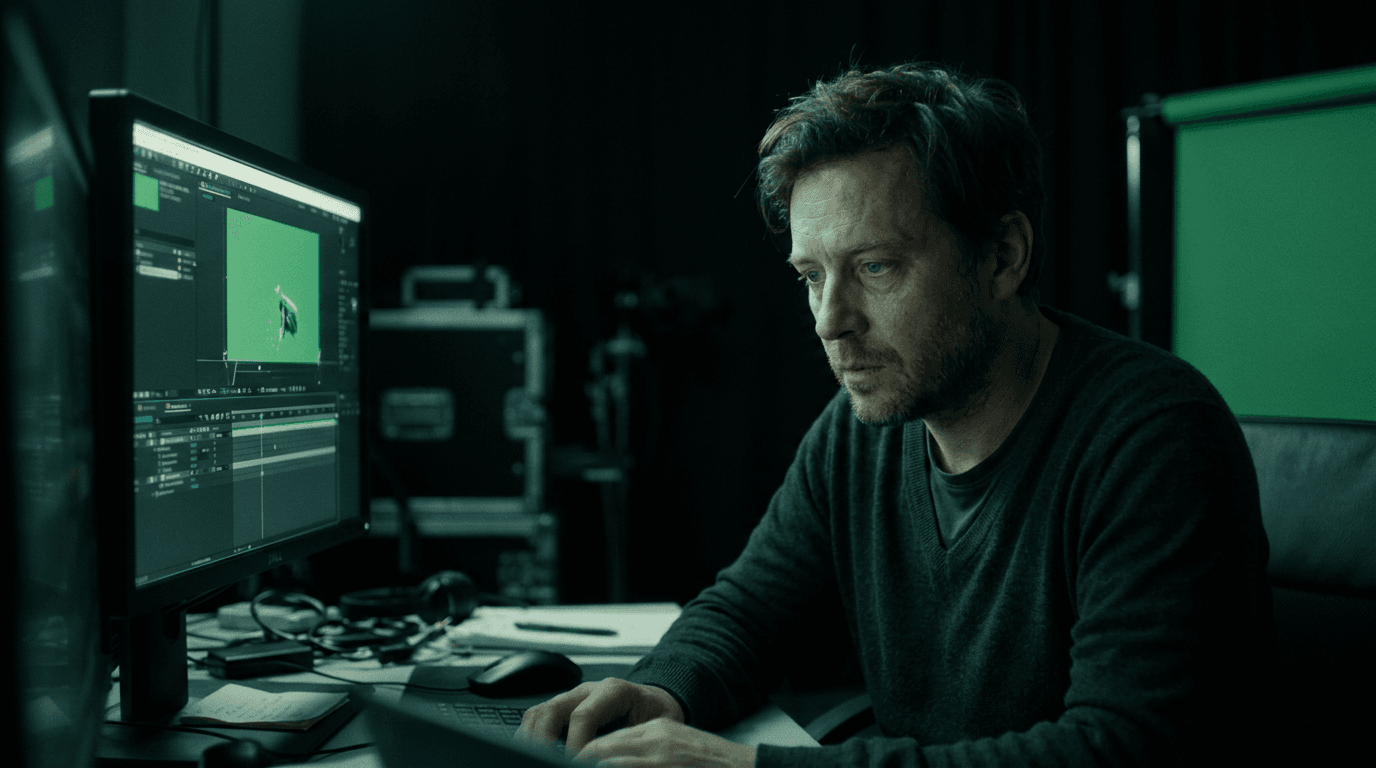
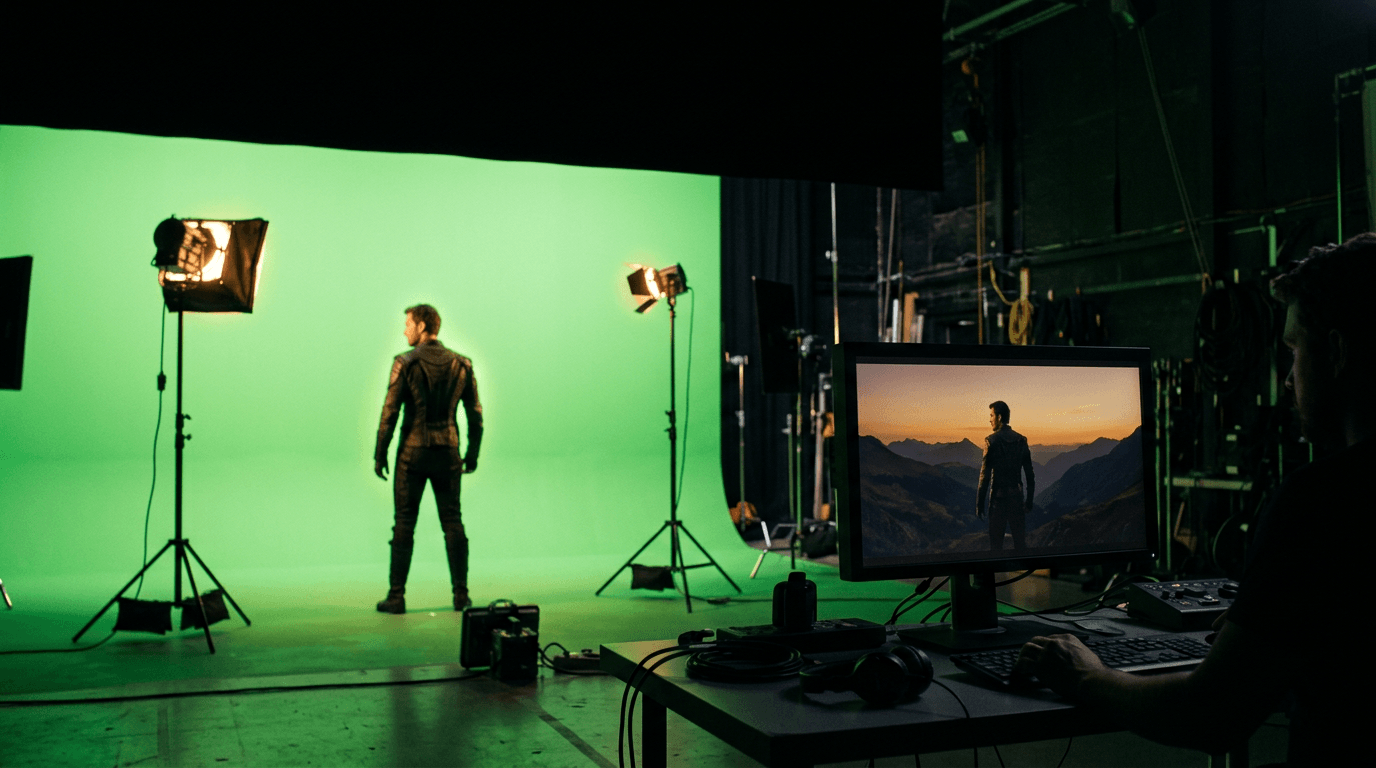
A green screen is just a solid color background, usually a wall or cloth in one specific bright green hue. The chroma key process is what makes it useful, and it's also why the technique is known as chroma keying: software identifies every pixel of that background color and makes it transparent, so a new background image can sit behind your subject. Shoot an actor in front of a green screen, key out the green, composite in a Himalayan pass. That's the whole trick, and this piece of green screen technology has carried the film industry for decades, from weather forecasts to computer-generated imagery in blockbusters.
Why is the screen usually green? Two boring, excellent reasons. Digital cameras sample the color green twice as heavily as red or blue, so a green screen background gives the cleanest key with the least noise. And green sits about as far from human skin tones as a color can get, which means the keyer won't eat your actor's face while it removes the solid color background behind them.
Green Screen vs Blue Screen: Choosing a Background Color
The green or blue question is older than digital video editing, and blue screen work still exists for good reasons. Blue is friendlier to night scenes and to a subject in front of the camera who has to wear green wardrobe. The trade-off between green and blue is mostly light and clothing: green needs less light to expose cleanly, blue produces less luma noise on dark scenes. If your subject is wearing green, shoot blue. If you're starved for light, green. Between blue and green there's no universal winner, only a per-shot call, which is why the green screen or blue screen debate never quite dies.
Spill is the tax you pay on a blue or green screen alike. The screen bounces green light (or blue) onto your subject's edges, shoulders, and jawline as green spill, and spill suppression in post is how you claw that back. Color spill matters even more now than it used to. More on that later.
How AI Tools Replaced (Most) Chroma Key Work
Here's the actual shift. A chroma keyer subtracts a background color. An AI segmentation model recognizes actors or objects. It doesn't need the background to be green, because it isn't looking at the background at all. It has learned what a person is, and it can isolate your subject from ordinary footage digitally.
As of mid-2026, this is standard kit for every serious video editor. DaVinci Resolve's Magic Mask, Roto Brush in Adobe After Effects, and Runway's Green Screen tool all pull subject masks from ordinary footage in minutes. Work that used to mean days of manual rotoscoping, tracing a foreground subject frame by frame by hand, now starts from a machine-generated matte that an artist refines. Motion tracking got the same upgrade in parallel.
That genuinely killed a whole category of green screen use, especially in content creation. Talking heads, social video content, simple background replacement for a product film: almost no content creators hang chroma for those anymore. You shoot on whatever background looks good, and AI masking handles the isolation, seamlessly on easy shots.
Inside our own filmmaking pipeline, this changed the economics of ambition. For Unmasked we generated between one and one and a half hours of footage for an eight-minute film, because only 5 to 10% of AI generations are usable. At that volume, per-frame manual roto would have sunk the project. AI masking is what makes AI filmmaking affordable enough to be picky.
If you want the wider picture of what AI changed across visual effects, we've mapped it in our complete guide to AI VFX.
When Chroma Still Wins: Hair, Motion Blur, Transparency
We're an AI studio, so we're biased toward the new tools. Here's where they still lose.
Segmentation models make decisions about pixels: subject or not subject. The hard edges of reality don't cooperate. A strand of hair is thinner than a pixel. A motion-blurred hand is 40% hand and 60% background in the same pixel. A glass of water is foreground and background at once. What you need there isn't a decision, it's an alpha value, a precise measurement of how much foreground each pixel holds. Well-exposed green screen footage measures that directly. As of mid-2026, neural masks still approximate it, and you can see the approximation the moment a wispy hairline meets a bright generated sky.
The clearest evidence that chroma isn't dying came from an unexpected direction. Corridor Digital's Niko Pueringer open-sourced CorridorKey, a neural network for advanced chroma work that doesn't remove green screens from the workflow. It supercharges them, reconstructing the true foreground color and pulling a clean linear alpha that preserves motion blur and translucent edges. The sharpest AI keying research of 2026 is being pointed at the green screen, not away from it.
So the honest hierarchy: AI masks for speed and ordinary edges, chroma for the cleanest key when the edge itself is the shot.
Green Screen vs AI Masking vs LED Volume: Which One Do You Pay For?
The third option people ask about is virtual production, where an LED wall displays a real-time 3D environment behind the actors during the take. Different tool, different bill.
| Green screen | AI segmentation | LED volume | |
|---|---|---|---|
| Edge accuracy | Highest, true alpha | Good, weakest on hair and blur | Perfect (nothing to key) |
| Setup cost | Low | None | Very high |
| Lighting on subject | Must be faked in post | Whatever you shot | Real, interactive light from the wall |
| Reflections and spill | Green spill to suppress | None | Accurate reflections, zero spill |
| Post-production burden | Full compositing | Light to moderate | Minimal comp, heavy prep |
| Best for | Hair, transparency, VFX-heavy film work | Fast turnarounds, ordinary edges | Car work, reflective surfaces, big budgets |
For most brand films, the volume is overkill. The real 2026 decision is usually between the first two columns, shot by shot.
On-Set Advice: Shooting for an AI Comp Pipeline
Something we confirmed while producing our hybrid AI production work: current practice on hybrid shoots leans on small practical builds as often as chroma stages. Studios documenting their workflows describe building only what the actor physically touches, then generating the 3D environment beyond it (Axis AI Studios). Real edges and real light are gifts to the compositor.
Plenty of shots still use green screens, though. When you use a green screen for an AI comp, a short checklist for the screen setup:
- Build what the actor touches. Six feet of practical set beats sixty feet of green when hands, feet, or props make contact.
- Light it evenly. AI keyers and classic keyers both punish wrinkles and hot spots. Even lighting across the whole screen is still rule one, and an evenly lit solid background is half the key.
- Pull your subject off the screen. Two to three meters kills most spill and buys natural edge separation. Ambient light from the screen fades fast with distance.
- Ban green clothing. Anyone wearing green will lose a sleeve to the keyer. Avoid green props too. Same ancient rule, same embarrassing result.
- Protect your blur. Choose your shutter angle knowing motion blur is the hardest thing for any mask, neural or chroma. Depth of field plays the same game: a soft-focus edge is a semi-transparent edge. If the shot needs heavy blur, that's a vote for chroma.
- Shoot a clean plate. Ten seconds of the empty frame, and light the screen separately from your subject where rigging allows. Both help every tool downstream, from trackers to generative fills.
Digital Compositing Craft: What Hasn't Changed
Keying was never the hard part. Compositing is.
A composite succeeds when the light direction on the foreground matches the background, when edge softness matches lens behavior, when grain structure runs continuous across layers, and when one grade holds foreground and background together. None of that is automated away as of mid-2026. Digital compositing is exactly as unforgiving with a generated background as it was with a matte painting, whether the source was shot in front of green or captured in the wild.
This is most of what our comp team actually does with AI-generated material: matching, cleaning, regrounding. Our rule at Adwhyta is blunt. No raw AI artifact goes unpolished. The generation is a department, not the film.
Keying Green Screen Footage in Your Editing Software
A practical note for teams doing their own post-production editing. Every mainstream video editing software ships a competent keyer now: Keylight in Adobe After Effects, the 3D keyer in DaVinci Resolve, the built-in keyer in Final Cut Pro. The chroma key compositing workflow is the same in all of them. Sample the green color of the backdrop, refine the matte, suppress the spill, then grade the foreground into the new digital content behind it.
Where teams go wrong isn't the software, it's expecting one click to finish the job. A clean key is the start of green screen editing, not the end. Budget artist time for edges and screen effects, or the composite will read as digital the moment it plays full screen.
Comp & Cleanup, From a Studio That Lives in Both Worlds
Adwhyta works as an extended AI visualization team for filmmakers, production houses, and brands: VFX-grade cleanups, precise compositing, background replacements and extensions, and custom 4K upscaling, alongside fully generative sequences. If you're planning a shoot and can't decide which shots need chroma, which need a practical build, and which need neither, that conversation is literally our services page. Or see the finished evidence first in our portfolio, then book the studio.
New to the discipline entirely? Start with what VFX actually covers.